
The biggest crypto theft in history
Your secrets,off the grid.
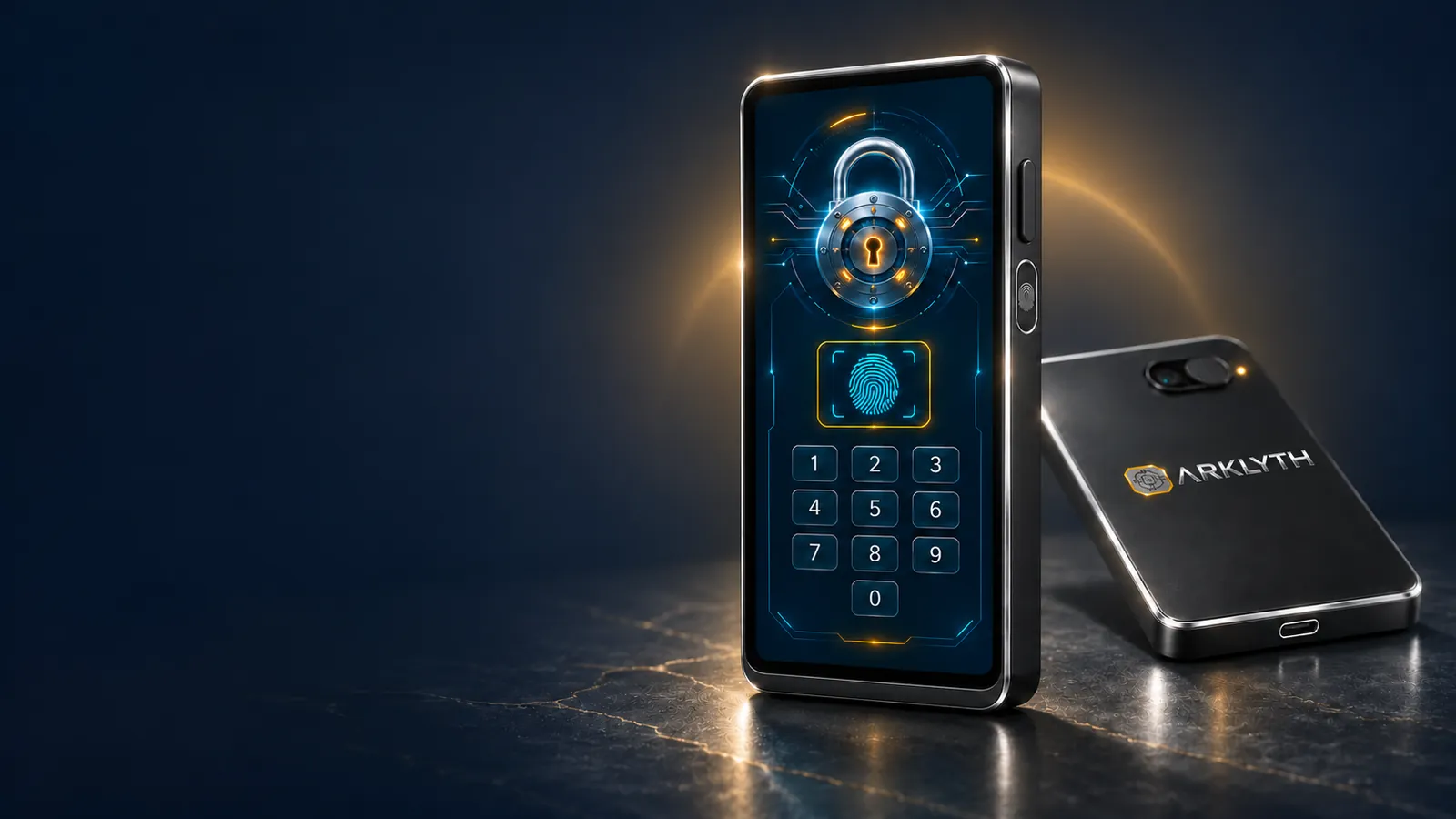
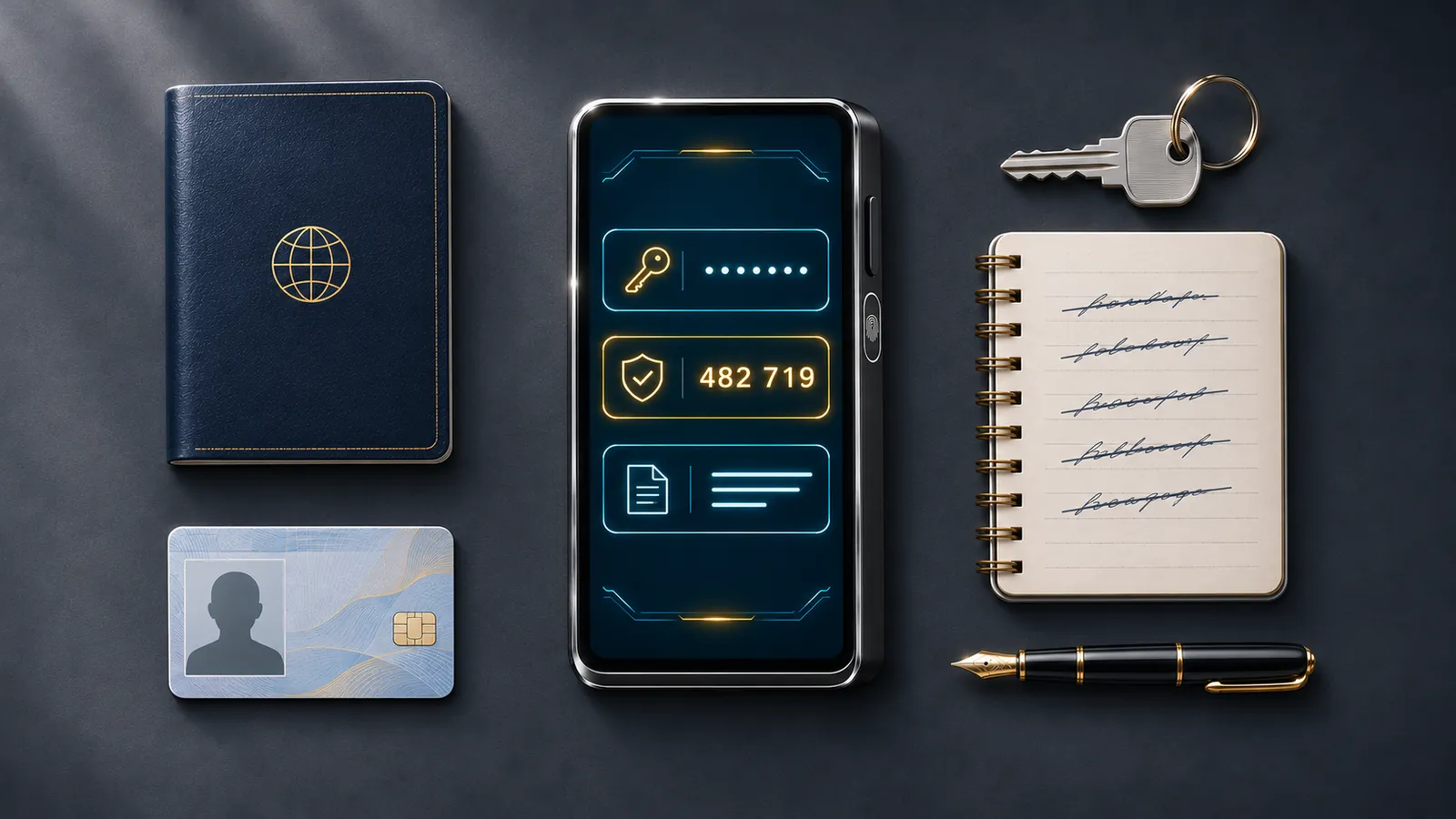
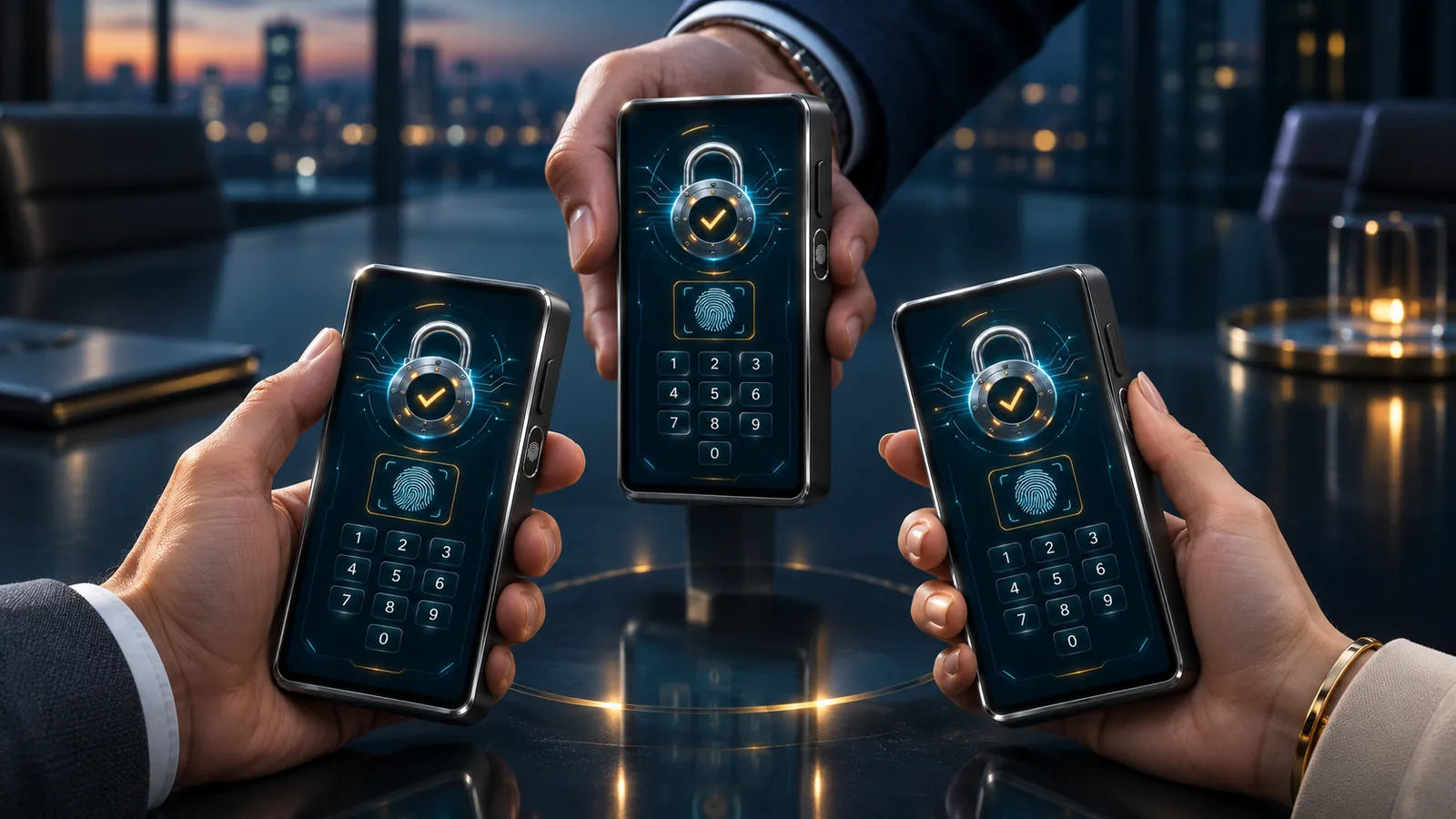
ARKLYTH is a pocket-sized digital safe. It keeps your passwords, verification codes, documents and digital legacy on a device that never connects to anything. No connection means no way in.
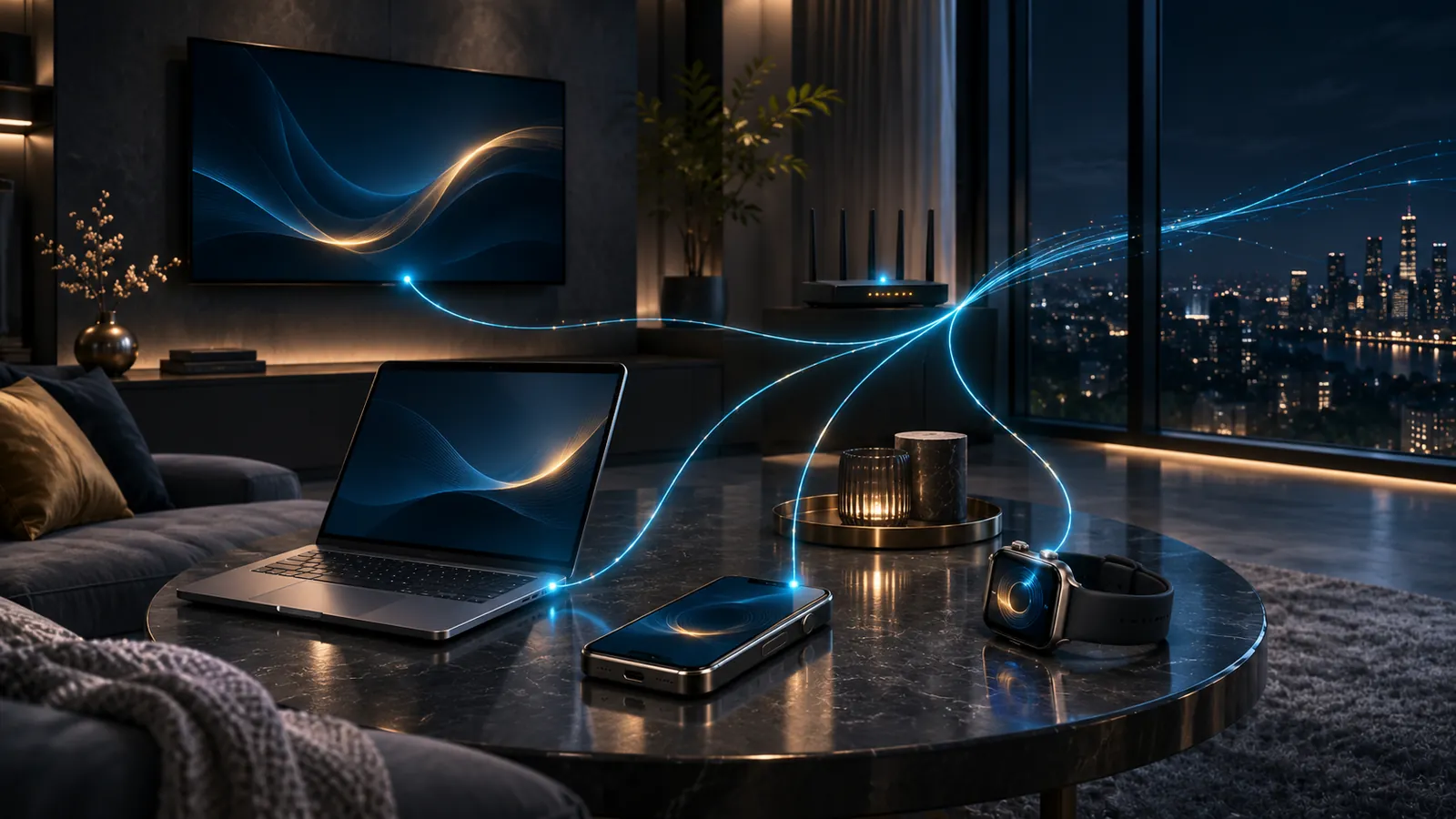
Everything that matters lives somewhere connected.
Your passwords sit in the cloud. Your verification codes live on the same phone that can be lost or infected. Your scanned passport sits in a synced folder. Every connection is a door, and someone is always trying the lock.
ARKLYTH removes the doors. No antenna, no radio, no data port. What you keep inside exists only in there, and only you can see it.
In through the camera.
Out through the screen.
Nothing else.
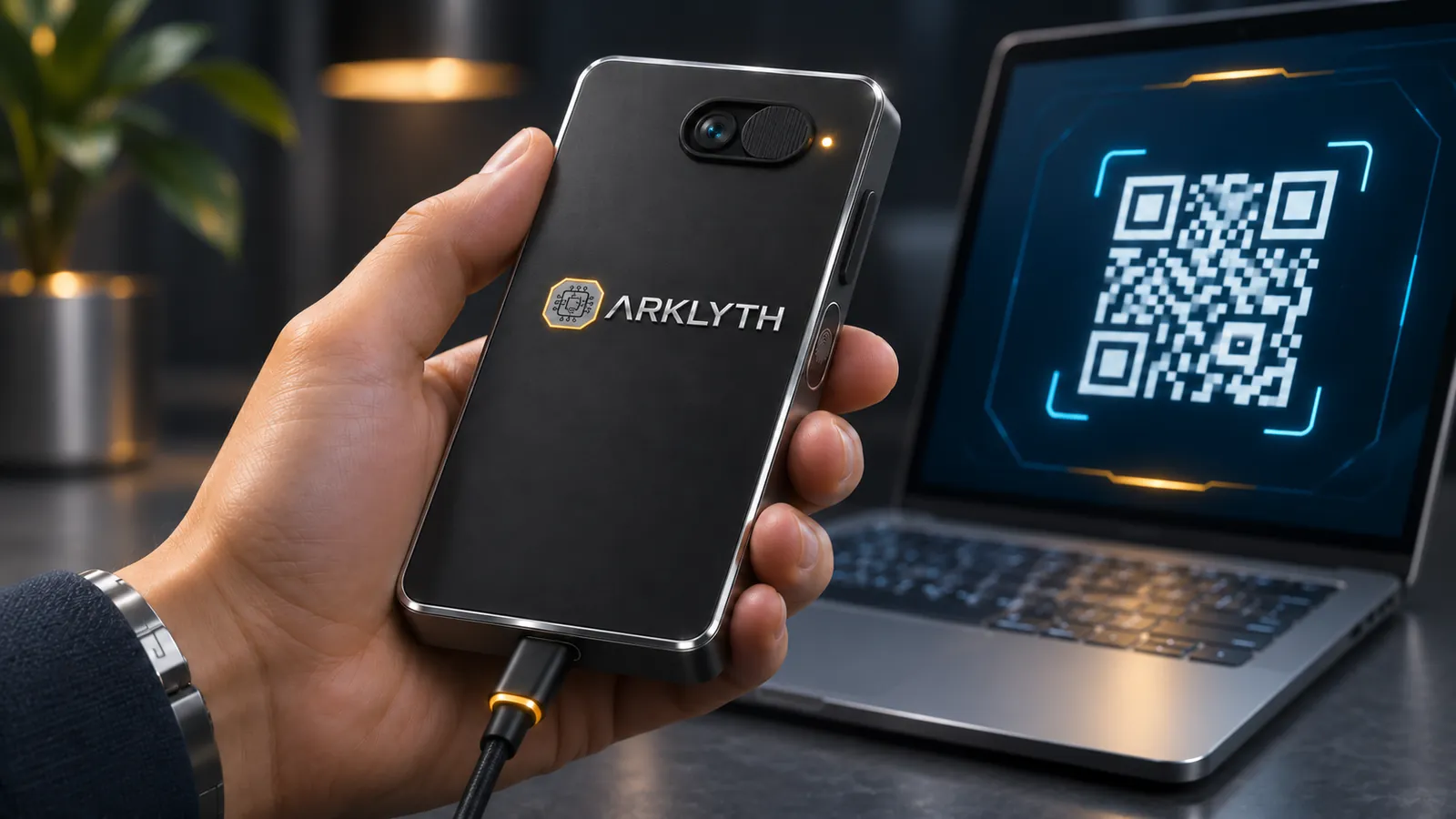
An isolated device needs a safe way to take in and show information. ARKLYTH only uses light: the camera reads, the screen shows.
What you give it
- You type on the touchscreen
- You scan a QR code: a 2FA code, a website, a backup
- You photograph a document
Sealed vault
Everything is encrypted inside the secure chip. The key never leaves it.
What you choose to see
- You read it on screen and it hides itself after 30 seconds
- You show it as a QR code for your phone, one item at a time
- Documents can be viewed or deleted. Never exported
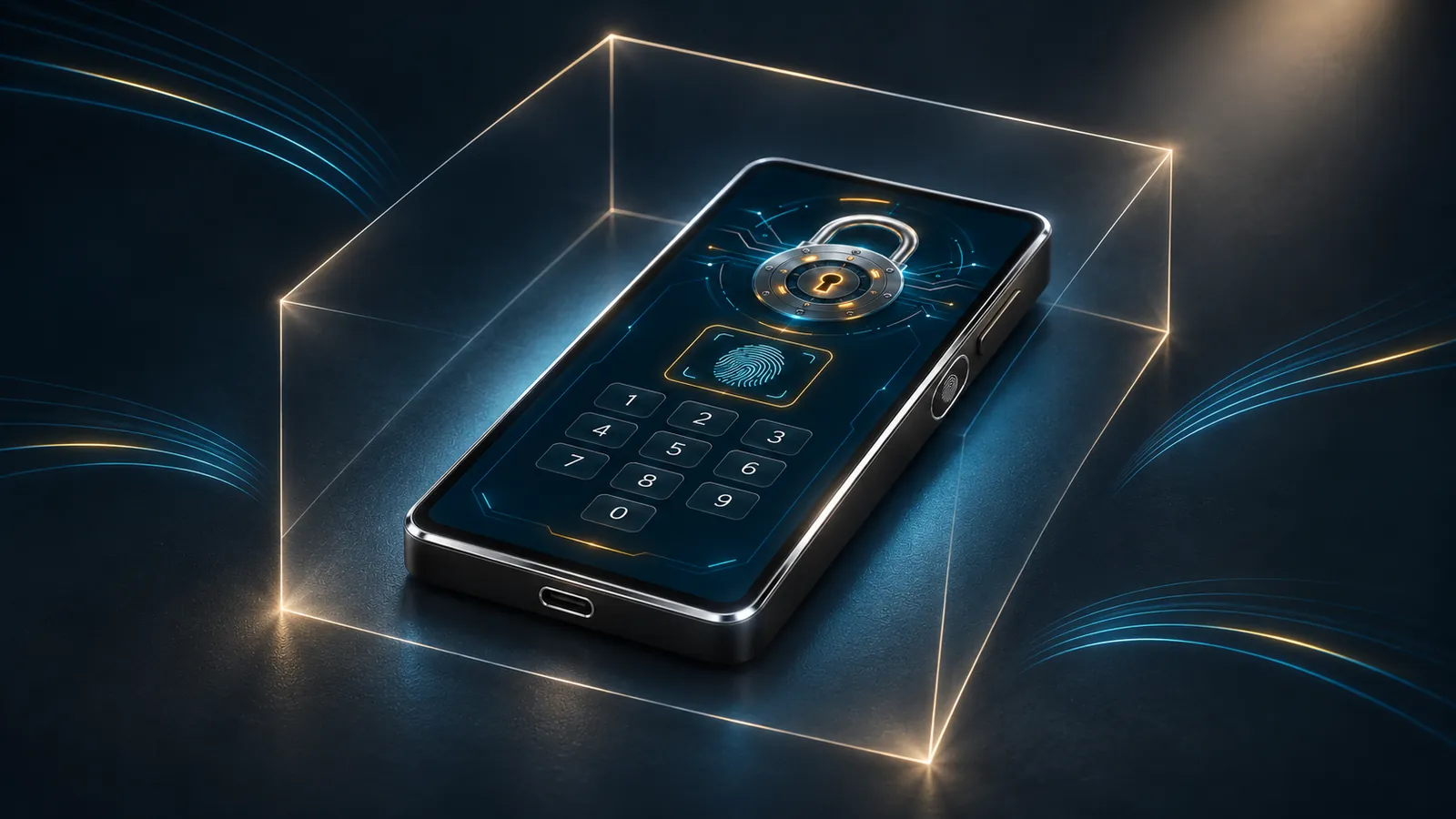
One safe for everything you can't afford to lose.
Six compartments, one level of protection. Tap each one to see it on the real screen.
Built for your worst day, not your best.
A theft. A threat. An attempt to force it open. ARKLYTH has an answer ready for each one.
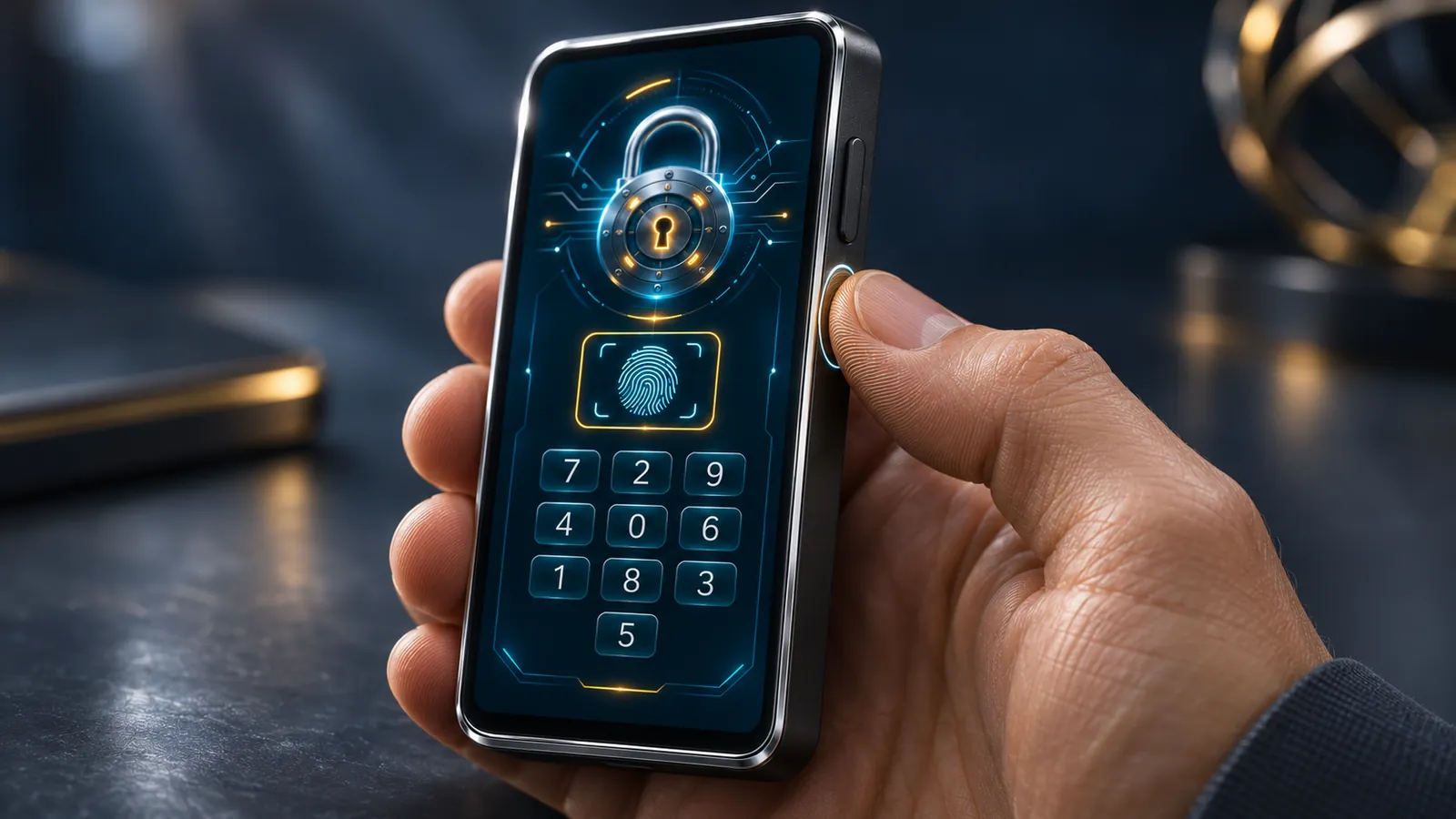
Fingerprint + PIN
You need both. Either one alone opens nothing.
Shuffling keypad
The digits change position every time. Someone looking over your shoulder, or the smudges on the screen, won't give away your PIN.
Duress PIN
If someone forces you to open it, type your duress PIN. It opens a believable decoy vault, or silently wipes everything. Your choice.
Hidden vaults
An extra space that only appears with a different PIN. Nothing on the device shows it exists.
Auto-wipe
After the number of failed attempts you choose, or if someone opens the casing, the contents are destroyed.
Encrypted paper backup
Lose it and you get it all back: a few printed QR codes plus a 12-word key you store separately.
Secure chip
The encryption keys live in a chip designed to resist physical attacks. Certification target: EAL6+.
Open source
Any expert can review the software. No back doors, no "just trust us".
Made in Europe
Designed and built in Europe, under European privacy law.
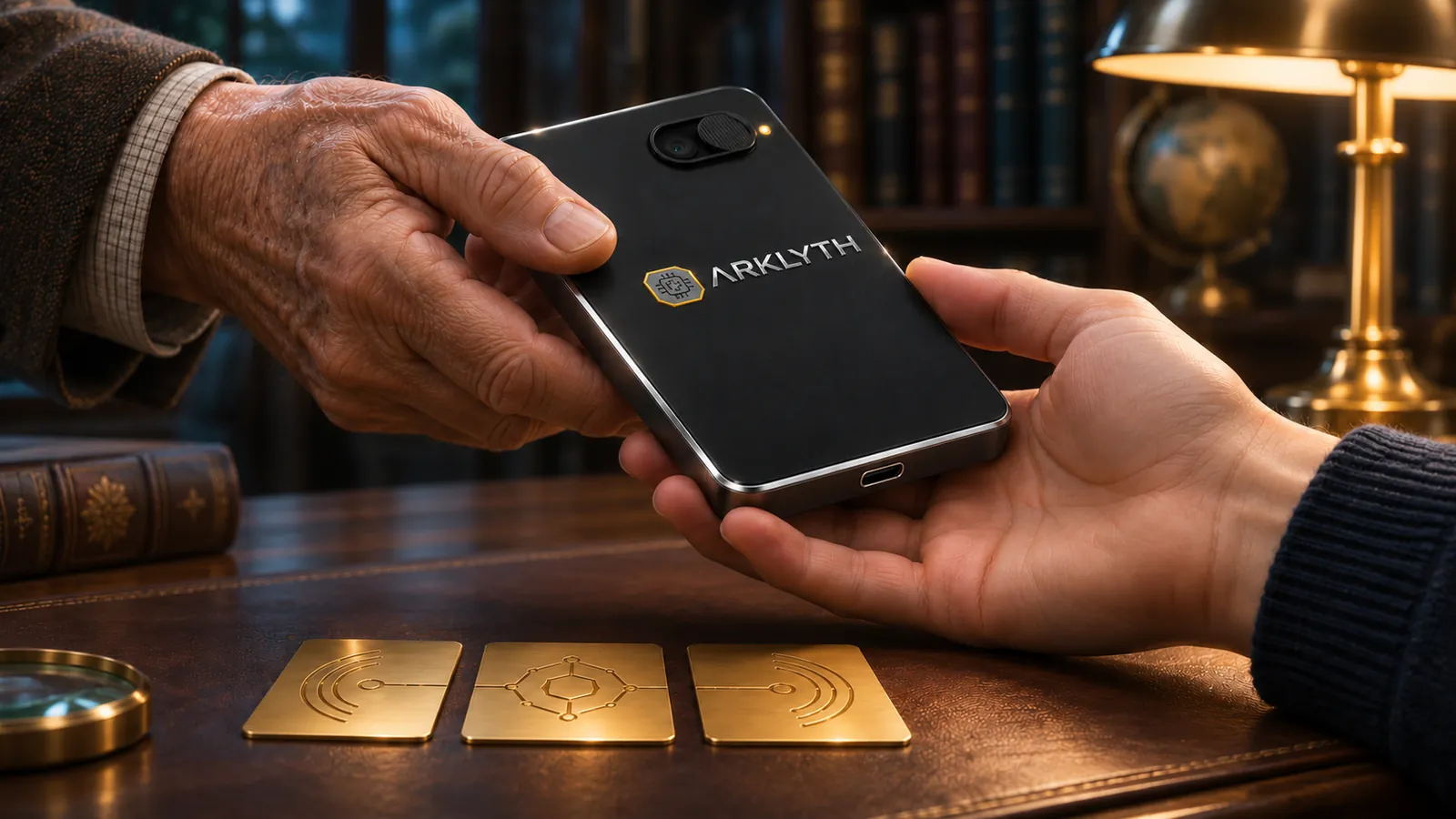
What you leave behind reaches the people you choose.
If you're gone one day, your passwords, documents and crypto shouldn't be lost with you. ARKLYTH solves it without lawyers, without the cloud and without handing your PIN to anyone.
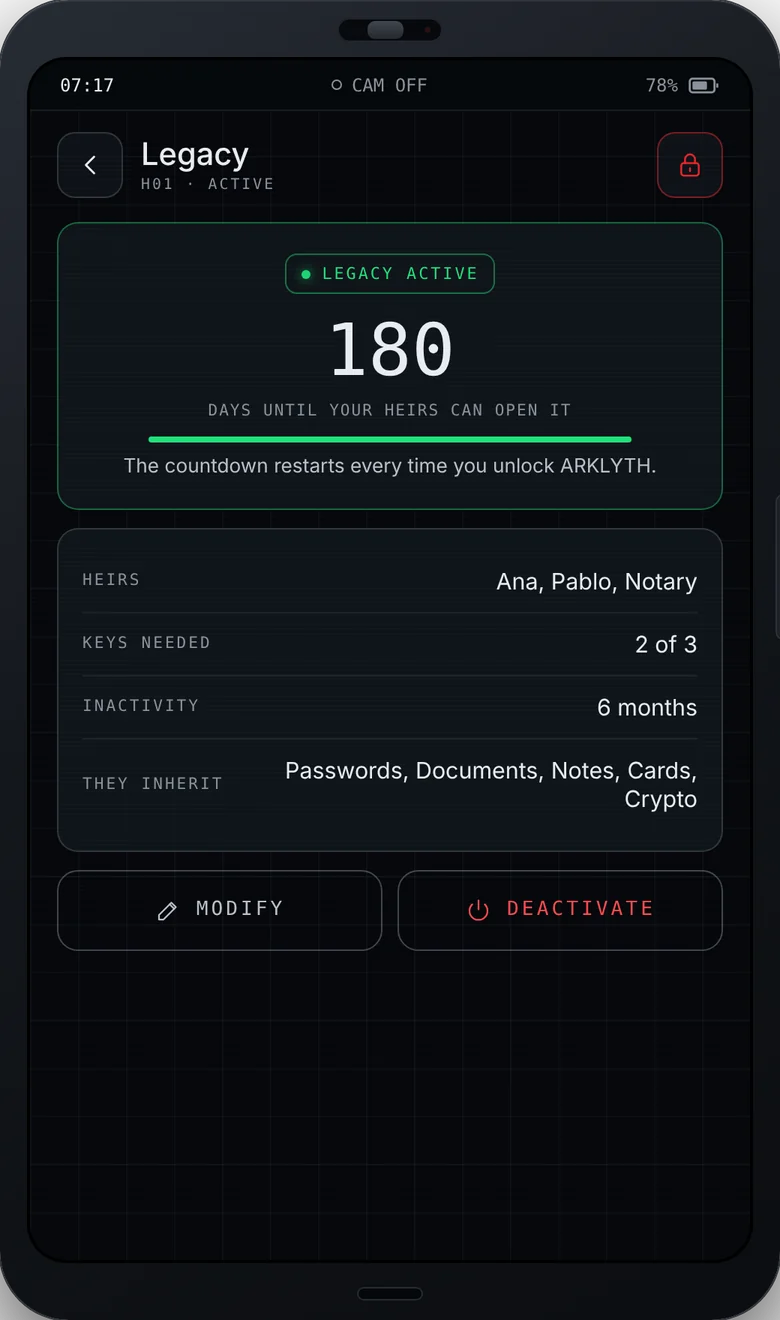
For example, 2 of 3: none of them can open it alone.
A personal QR code that is useless on its own.
If, say, 6 months pass without you opening it, the legacy activates. Every time you open it, the countdown starts again.
They bring their keys together, read your message and see only what you decided.
Company keys, never in one pair of hands.
Critical credentials, master keys, certificates. In business mode, ARKLYTH only opens when the right people are present.
Why what you already have isn't enough.
| ARKLYTH | Cloud password manager | Hardware crypto wallet | Paper notebook | |
|---|---|---|---|---|
| Never connects to anything | DEPENDS ON MODEL | |||
| Passwords | LIMITED | |||
| 2FA codes off your phone | IN THE CLOUD | DEPENDS ON MODEL | ||
| Scanned documents | IN THE CLOUD | |||
| Protection if you're forced to open it | DEPENDS ON MODEL | |||
| Inheritance with no middleman | EMERGENCY ACCESS | IF THEY FIND IT | ||
| Useless if stolen |
An indicative comparison by product category. Specific features vary by brand and model.
Touch it before you own it.
This simulator recreates every ARKLYTH screen, with sound. On your phone you can use your camera to scan real QR codes and photograph documents.
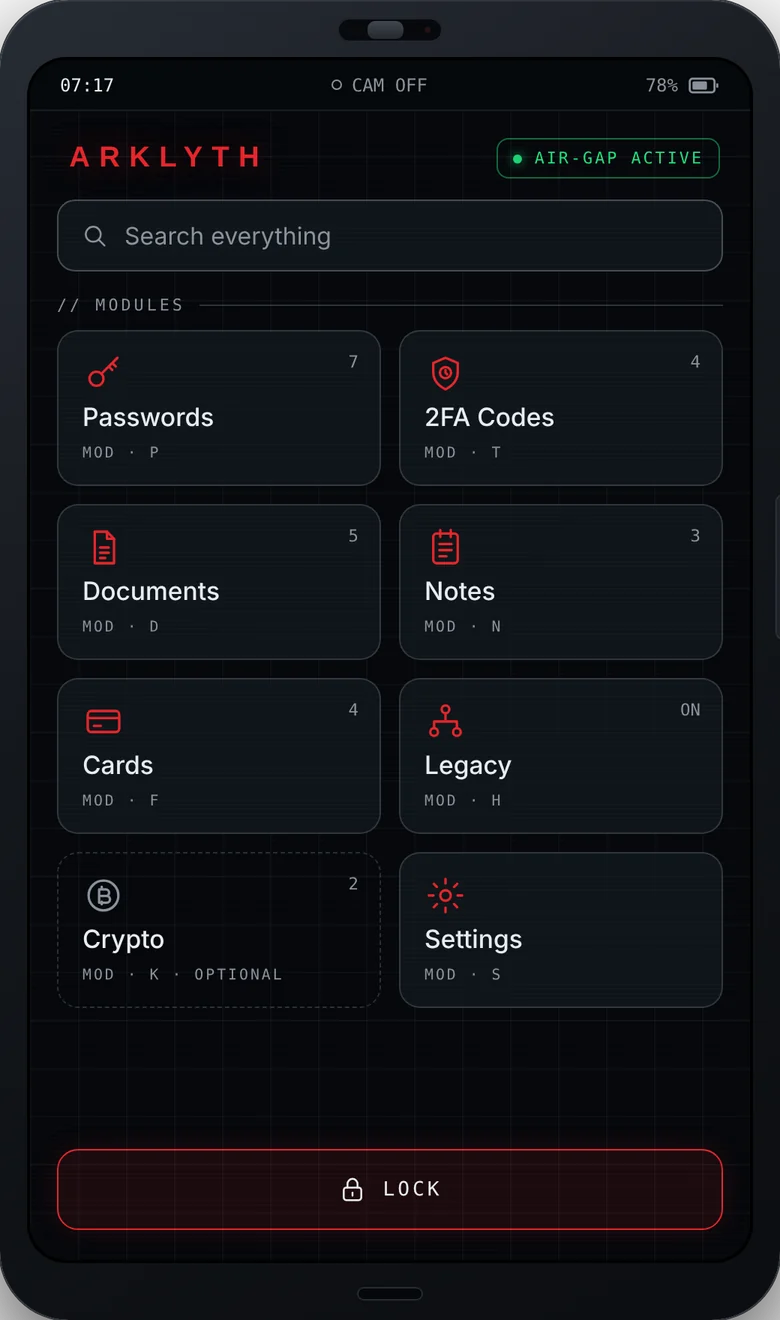
Power on ARKLYTH
Set it up from scratch, unlock it with your fingerprint, save a password, scan a real 2FA code or activate your legacy. Everything works.
123456000000 to see the decoy vault999999 opens the secret vaultWhat's inside.
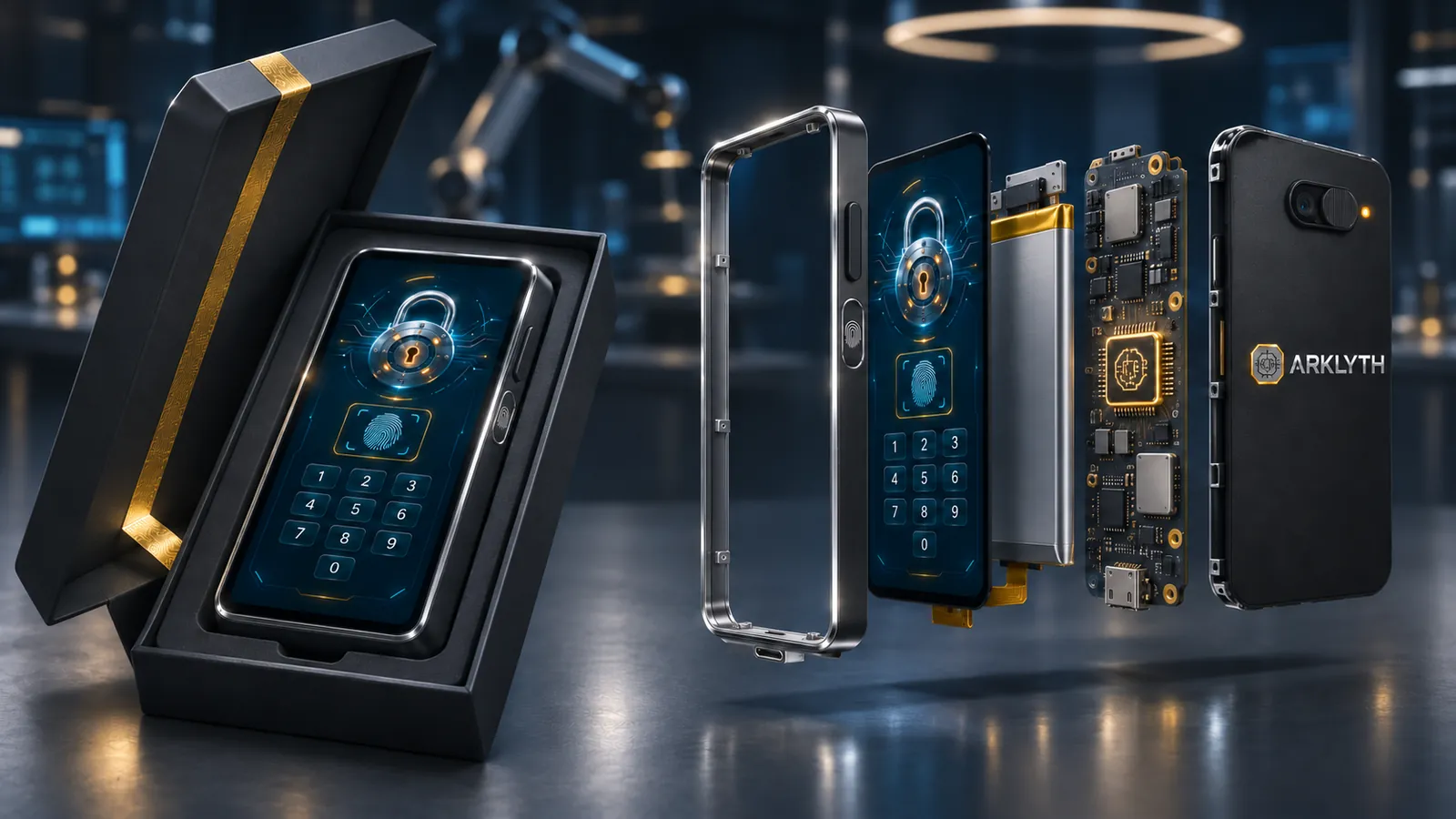
Design targets for the first version. They may change during development.
What everyone asks.
How do I add my passwords if it never connects?
You type them on the touchscreen, or scan a QR code with the camera. For verification codes (2FA), you scan the same QR code the website shows when you turn them on. ARKLYTH then generates the 6-digit codes on its own, offline.
So how do I use a password on my computer?
You read it on screen and type it, or show it as a QR code for your phone to read. Only one item comes out at a time, and the screen hides it automatically after 30 seconds.
What if I lose it or it gets stolen?
Without your fingerprint and PIN it's useless, and after several failed attempts it wipes itself. You restore everything on a new ARKLYTH with your paper backup and your 12-word key.
What if someone forces me to open it?
You type your duress PIN. ARKLYTH opens a decoy vault with unimportant data, or wipes everything without a trace. From the outside, nobody can tell which PIN you used.
Why can't documents be exported?
Because any way of getting a file out is also a way of stealing it. The documents you photograph can be viewed, zoomed and deleted, but they never leave the device.
How does it update without the internet?
You open the official update page on a computer and ARKLYTH reads an animated QR code with its camera. It only installs updates signed by ARKLYTH. Anything else is rejected.
When is it coming out and how much will it cost?
We're at the prototype stage, so the price and launch date are not set yet. Write to us at jlha@me.com and we'll keep you informed.
Want to know more?
ARKLYTH is at the prototype stage. If you would like more information, a demo or to talk about the project, write to us and we will get back to you.